Link your Kroger Plus card to the Little Miami Athletic Boosters and Kroger gives back to our athletes every time you shop, at no added cost to you.
Pick whichever matches how you shop. You only need to do this once.
Start at Kroger's Community Rewards page, or find it under the "About Us" menu at the bottom of any Kroger page.
Sign in with your username and password.
Under Savings & Rewards, click Kroger Community Rewards.
Click View Your Reward Details.
Under Community Rewards, click Edit and search either XV067 or Little Miami Athletic Boosters.
Select Save Changes. That's it.
Already shop with the app on your phone? This is the quicker route.
Open the Kroger app on your smartphone.
Tap the menu icon in the upper left and sign in if you need to.
Under Payments & Services, tap Community Rewards.
Choose Add or Change Organization, then search either XV067 or Little Miami Athletic Boosters.
Select Save Changes. You're supporting the Panthers.
Organization Code Little Miami Athletic Boosters Search either the name or the code when you enroll.
Thank you for supporting Little Miami athletics. If you get stuck partway through, send us a note and we'll walk you through it.
When you link your existing Kroger Plus card to the Little Miami Athletic Boosters, you still earn your coupons and fuel discounts while earning rewards for our organization too. Kroger only allows you to link one organization at a time, so please consider choosing the Panthers.
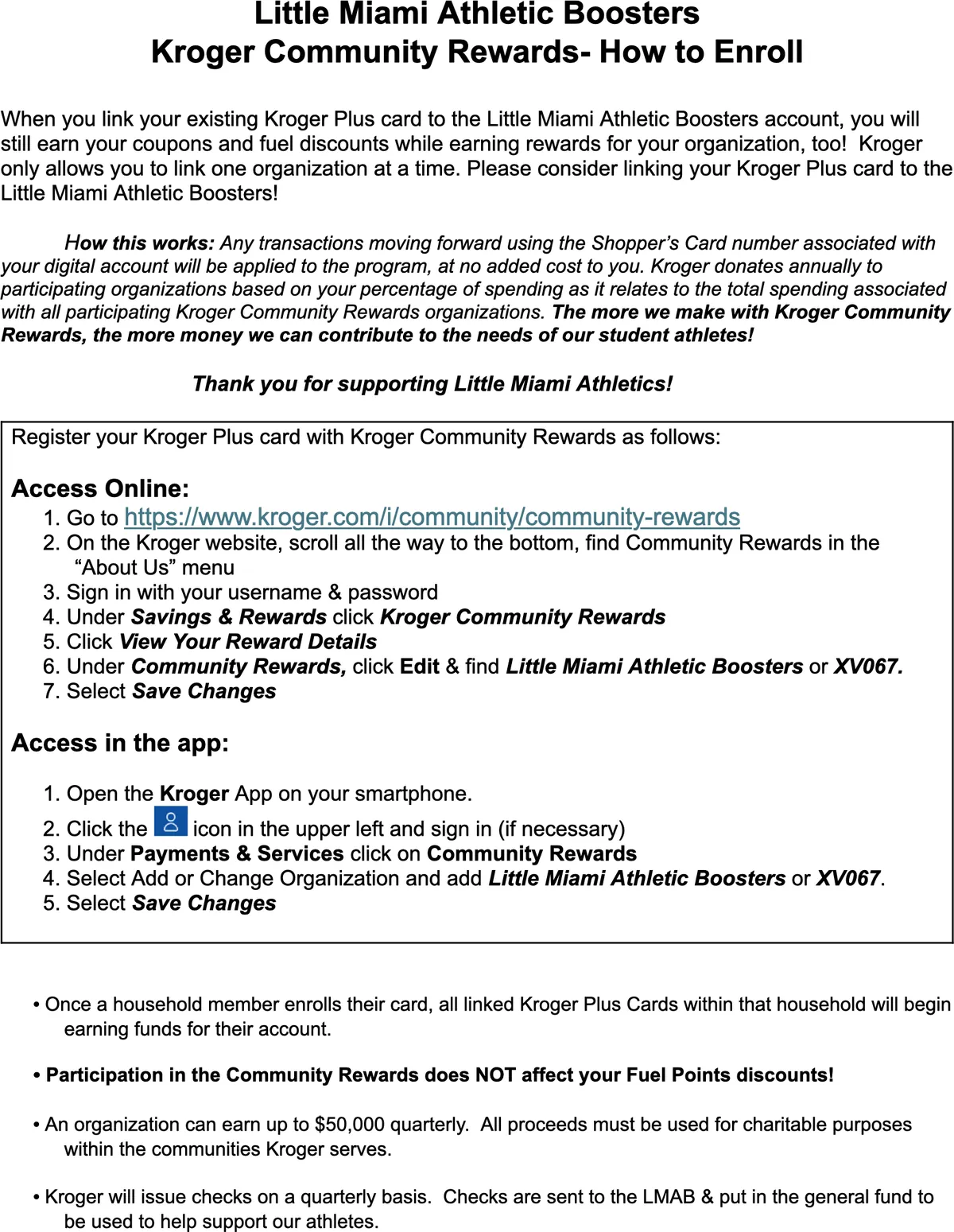
The same instructions exactly as the Boosters wrote them, if you would rather print a copy or pass one along.
Kroger Community Rewards costs you nothing. If you want to do more, membership and donations go straight to our student-athletes.
Become a Member